YOUR FRAME. YOUR CREATIVE DIRECTION.
Image to video AI.
A new chapter.
Turn your photo into a moving scene.
You bring the frame. We make room for the possibility.
Check the workspace availability before starting a take.
A FRAME IS JUST THE BEGINNING
Find your next what if.
Start with a landscape, a familiar face,
or one beautiful little detail.
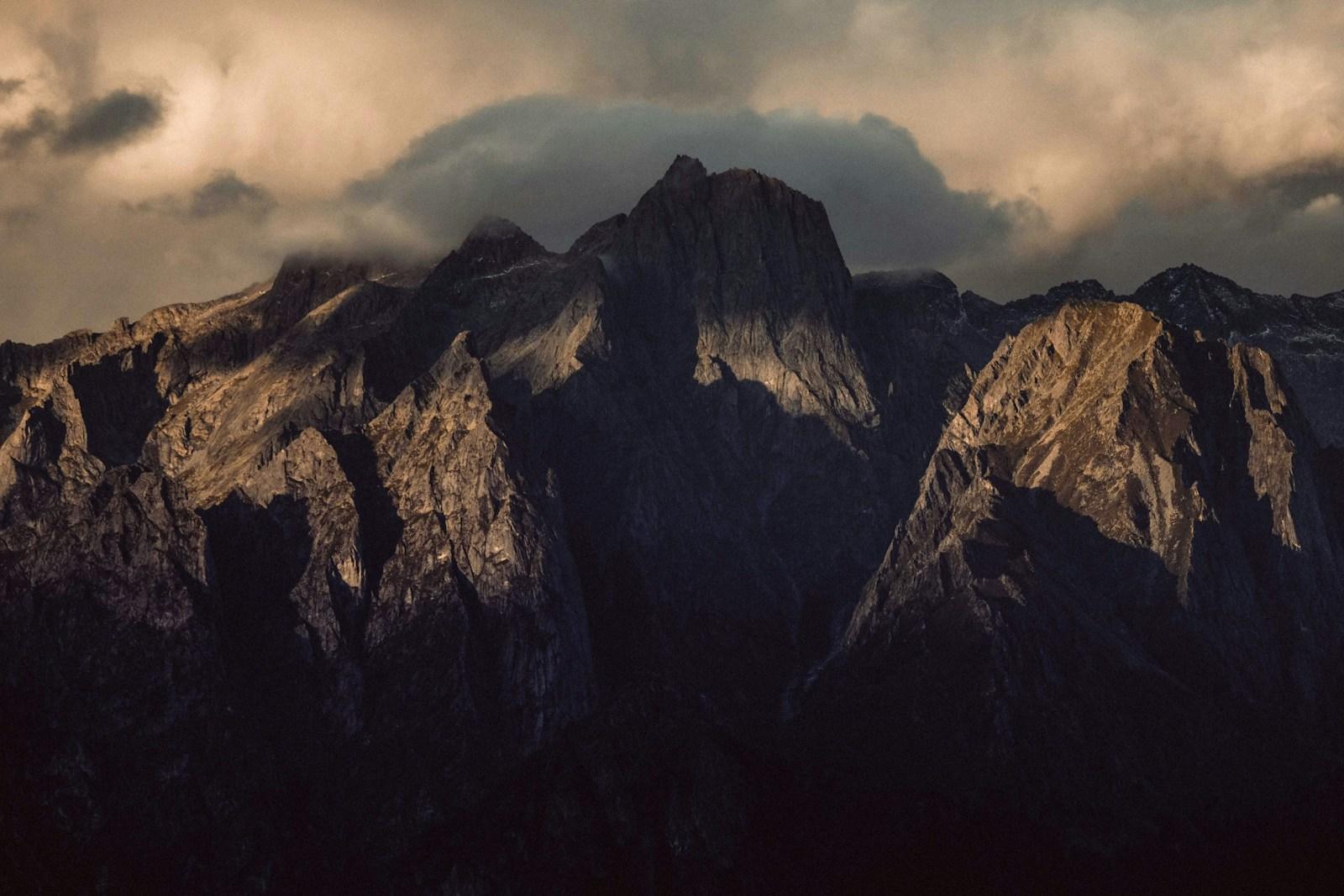
Somewhere beyond the frame
Explore a starting frame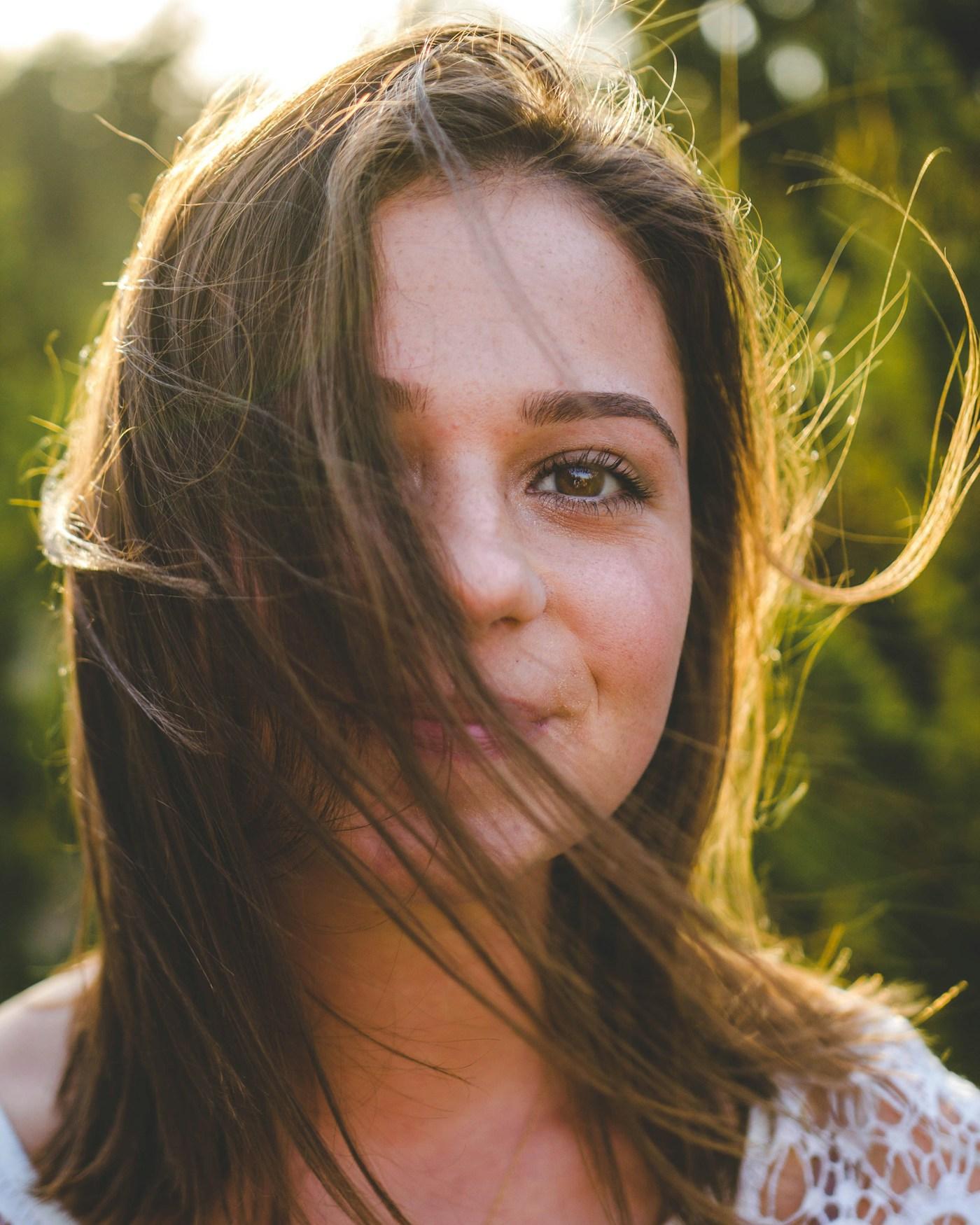
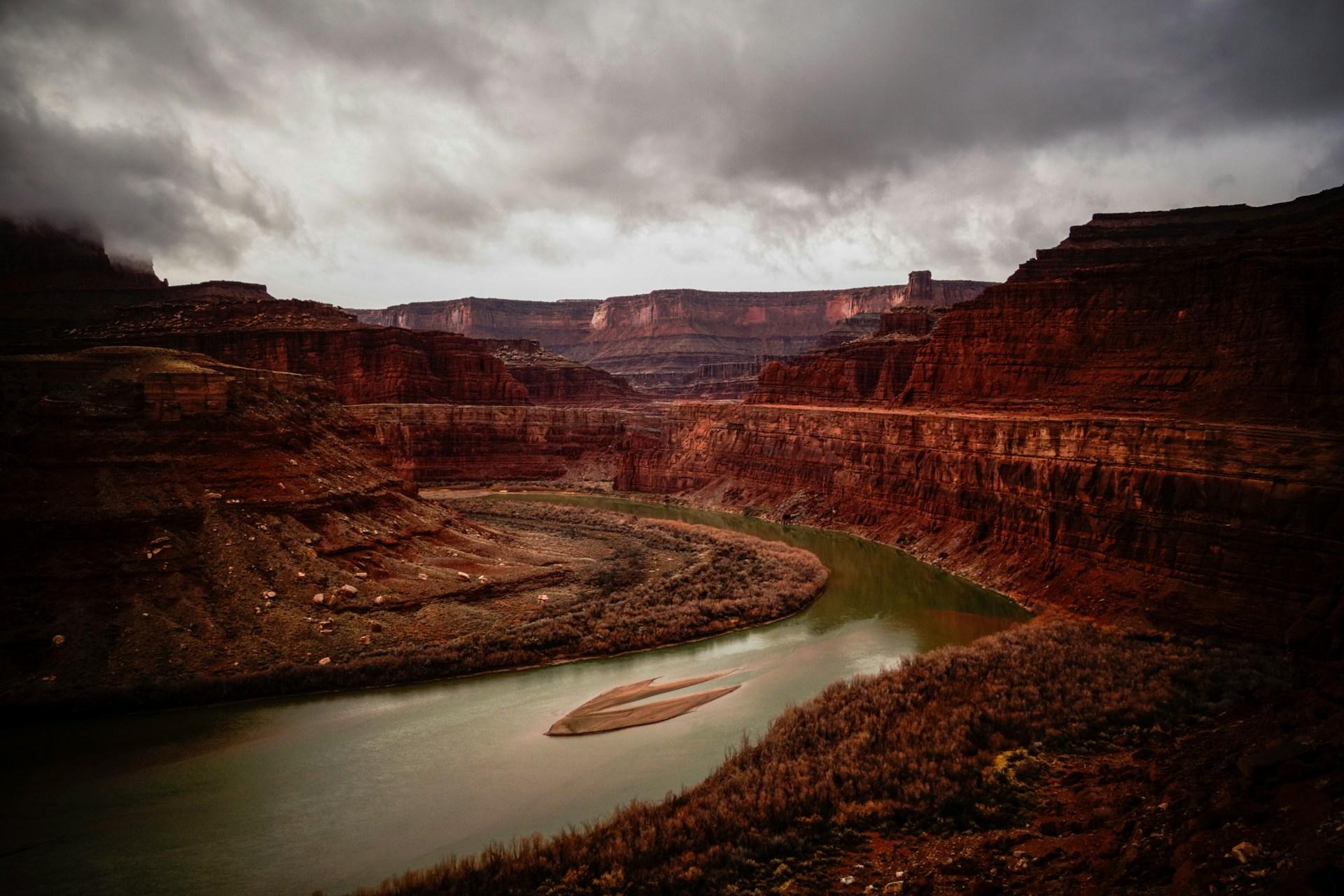
A moment, brought to life
Explore a starting frameLet the light lead
Explore a starting frame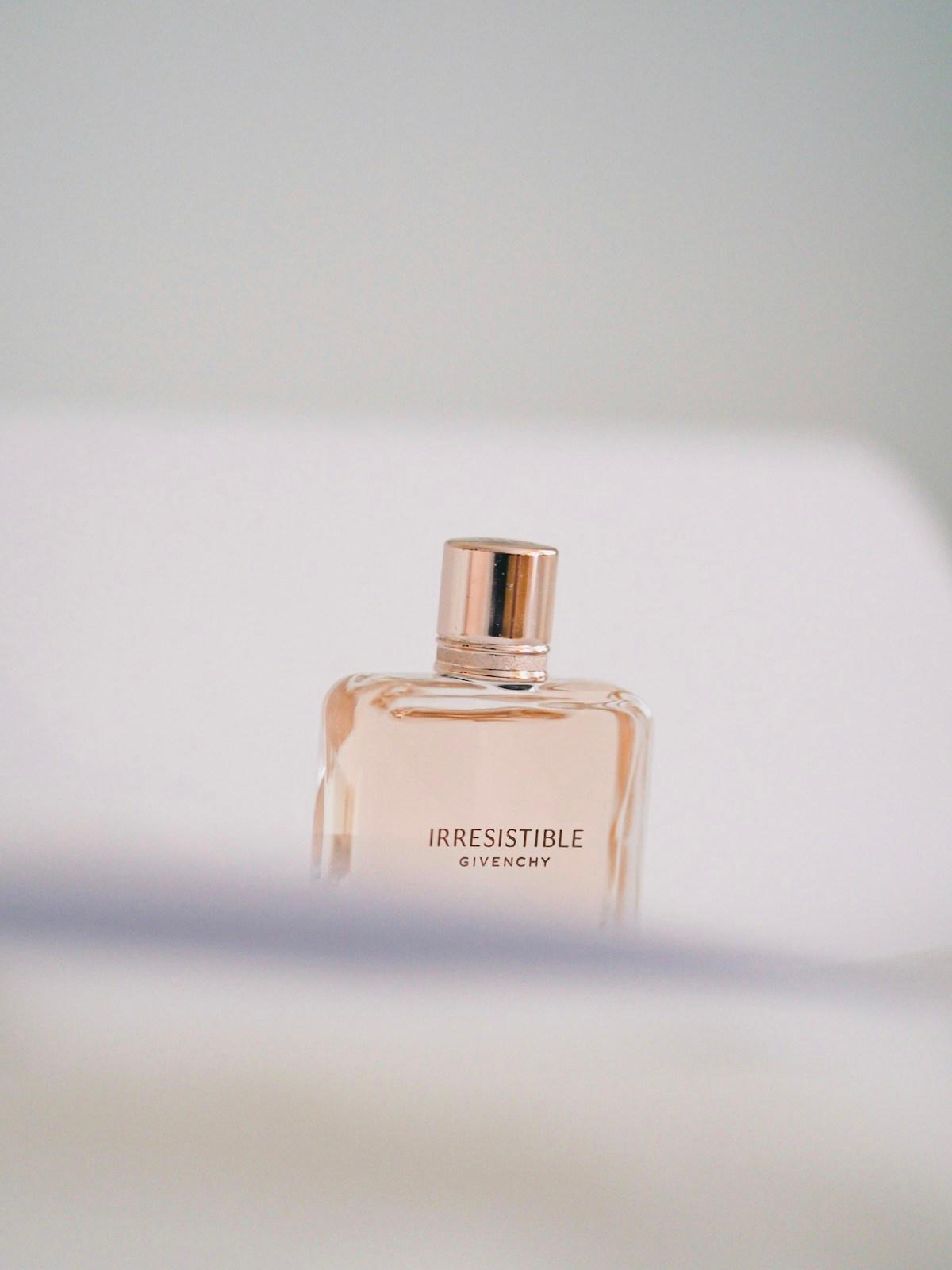
The details deserve motion
Explore a starting frameExample photographs for creative exploration. These still images are not AI-generated video results.
LESS SETUP. MORE POSSIBILITY.
From still to story.
A simple workflow that leaves
the creative direction to you.
Start with your frame
Upload a photo, a drawing or a product shot. Choose an image with a clear subject and a little room for movement.
Tell it what happens next
Describe the motion, set the length and choose your quality. Add an ending frame when you want to guide the transition.
Make it your next scene
Preview your video, return to your saved creations and download the take you want to keep.
CHOOSE YOUR CREATIVE TOOLKIT
A good scene starts
with the right fit.
Different image to video tools suit different kinds of work. Compare motion control, reference support, output quality and the cost of trying another take.
Read our image to video tools comparisonA FEW GOOD QUESTIONS
Before your
first take.
A little clarity for the creative process.
What does image to video AI actually do?+
It uses your image as the first frame and generates a short moving sequence based on your written direction. A still portrait can gain subtle motion, or a landscape can become a camera shot. Results vary with the image, prompt and model.
Can I use a photo, picture or drawing?+
Yes. Upload a JPG, PNG or WebP up to 8 MB. Each side should be between 300 and 6000 pixels, with an aspect ratio between 2:5 and 5:2. Images are normalized to JPEG for the video workflow.
How do I make an image into a moving video?+
Choose a first frame, describe one clear motion, select 5 or 10 seconds and generate. Start with a short, specific prompt, such as a slow camera push or a gentle breeze. Review the result before trying a more complex movement.
Can I control both the first and last frame?+
Choose First + last frame and upload an ending image. Choose 720p or 1080p. Using images with similar composition and aspect ratio usually makes the intended transition easier to describe.
What happens if a generation fails?+
Credits are reserved when you start. When a generation is confirmed as failed, the reserved credits are returned. If submission or completion cannot be confirmed, the task is kept for review so it is not accidentally submitted and charged twice.
Are my uploads public?+
Your uploaded references and saved results are associated with your account. Files are not added to a public gallery. A temporary read link is shared with the video provider when needed to process a live generation.
THERE'S MORE TO YOUR IMAGE
Give it a little motion.
The next frame is yours to imagine.
Create your first scene